Top 5 Phone Apps for Productivity
This is a common question Kristy gets asked, so we asked her to share which 5 apps she uses and why. There is a video above and explaining it more in depth below!
"Hi, Friends! Everyone assumes because of STARTplanner I write everything down. Not true! I am digital-savvy and I am a big fan of using technology and apps to automate your life, which saves time and money!
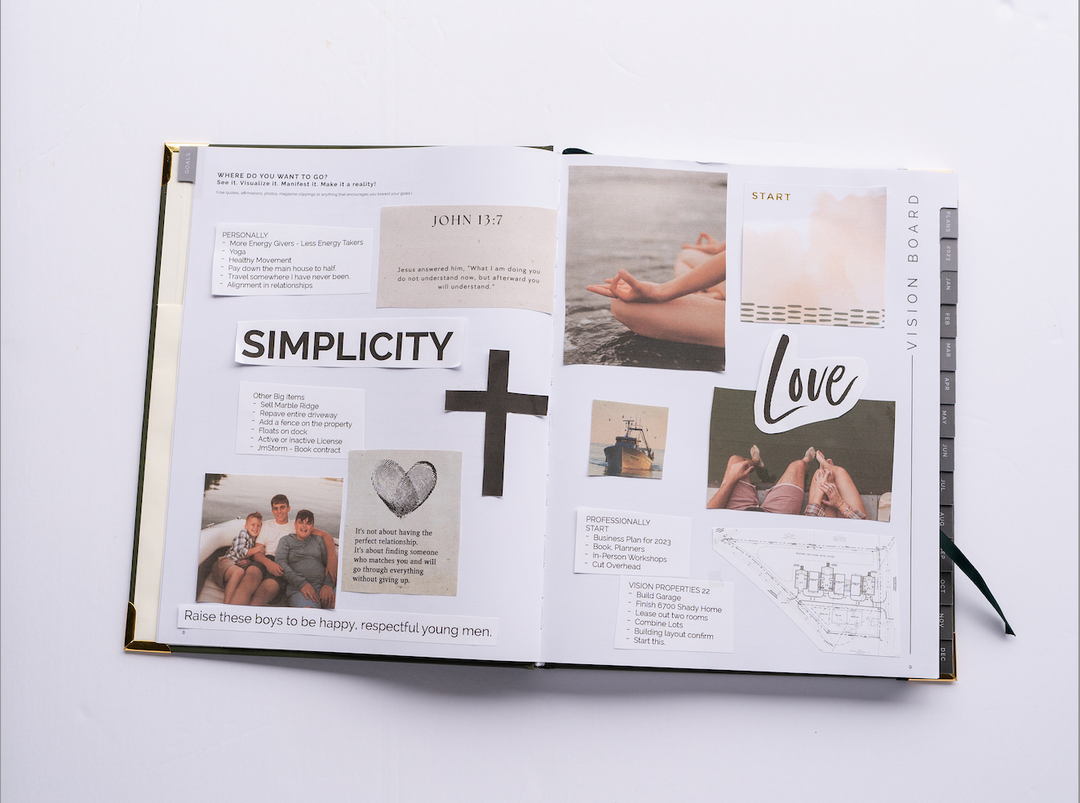
I just prefer pen and paper for to-do lists and vision and mapping out my day!
Here are 5 apps that I use daily. This is not sponsored just me sharing because they make my life easier, and they will make yours too!
- Dropbox - It is how I organize all my files, both personal and business, backup family photos, and as you have seen, organize my financials and receipts. Dropbox allows me to do what I do, saving my files in a cloud. So I can be at my desktop, on my laptop, or on my phone.

- Notes/Google Drive - I have notes separated out for my companies and my life. It allows me to reference quickly and organize. Primarily use google drive and folder to organize business documents. Also, notice in notes that I typically link to documents in dropbox to quickly find files.

- 1Password - Last summer I got hacked. It was one of the most terrifying and frustrating things. I had half of my passwords in here, and the other half were similar. BIG mistake. I now have all my passwords in here, and they are different! Anywhere I can, I add two-factor authentication. If you are looking for a way to organize and store passwords, this is a great app.

- TurboScan - This allows me to scan documents remotely. I have a scanner, but again life is wide open. I do scan some documents in dropbox as they have a scanner, but this app is just more versatile.

- Digital Calendar - What? You think I don't have team calendars and keep a digital calendar? My STARTplanner goes with me everywhere, but it is essential to have an organized digital calendar too to stay in sync. I just carry everything to my paper calendar because I am a visionary.



Leave a comment